How to setup CoreFTP Client
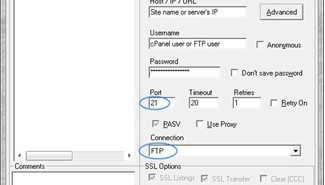
To open the setup menu click on the ‘Sites’ tab from the top-side menu and choose ‘Site Manager’ option. Extra...
To open the setup menu click on the ‘Sites’ tab from the top-side menu and choose ‘Site Manager’ option. Extra...
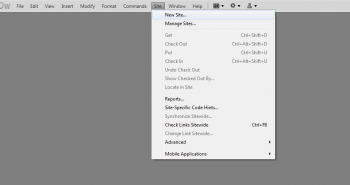
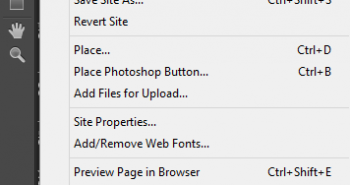
In order to configure Dreamweaver for uploading your files please do the following: Click on Site at main menu bar...
If you have designed your website in Adobe Muse, follow the steps below to upload the files onto the server...
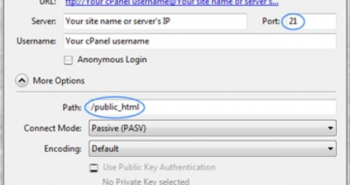
To publish a website for your main domain via FTP use the following details: Section Publishing Site name: public_html ...
To set up a new FTP connection you need to click ‘Bookmark’ menu from the top and choose ‘New Bookmark’...
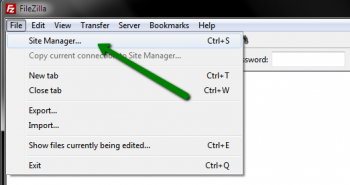
Once you’ve downloaded and installed FileZilla, launch the program. Navigate to File tab > Site Manager menu Click on New...
There are three possible ways to use FTP: 1. cPanel File Manager (recommended for a small number of files) -...
Each file and folder located in your account has certain permissions assigned. They define who is authorized to write, read...
FTP account is used to upload and manage files of your hosting account or websites. The main goal of creating...
SCP means a Secure Copy. It is a method of remote communication and sending files between networks, but having the...