How can I limit the number of times a user can check a pop3 mailbox per hour?
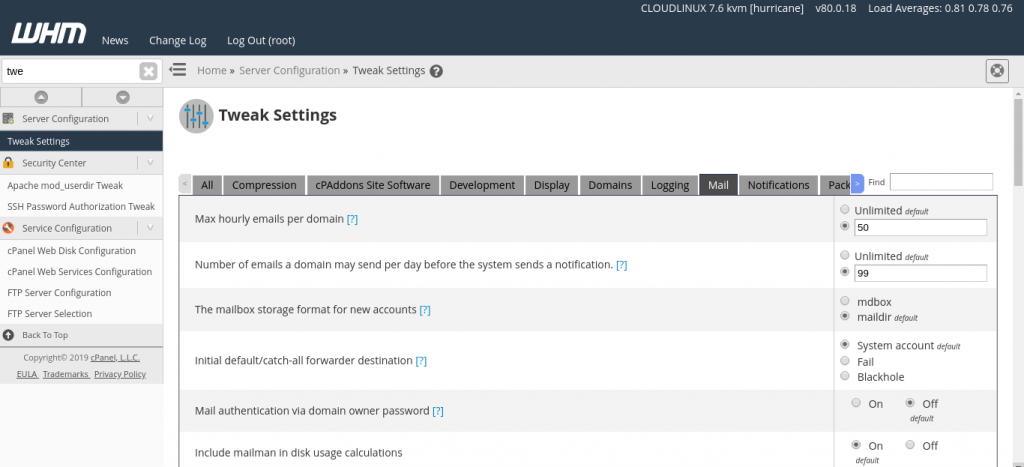
Click on the “Tweak Settings” link under “Server Setup”. Within the “Mail” section is a text box with the heading:
“The number of times users are allowed to check their mail using pop3 per hour:”
Change the value and apply the changes by clicking on the “Save” button at the bottom of the page.
About Author
