How do I correctly park a domain?
Log in to cPanel - Click on DNS Functions - Click on Park a Domain.
Log in to cPanel - Click on DNS Functions - Click on Park a Domain.
To install an SSL certificate: 1. Click on the Install an SSL Certificate and Setup the Domain link in the...
If you or your web hosting clients are behind strict firewalls and can only use port 80 for accessing the...
To create a subdomain you would go to - https://1.2.3.4:2083 login with your userid and password (same one you use...
This is quite simple. However, you must know the exact syntax, and this has to be done via SSH only,...
CPanel allows you to setup per-account bandwidth limit, as soon as bandwidth limit is reached cPanel will automatically suspend the...
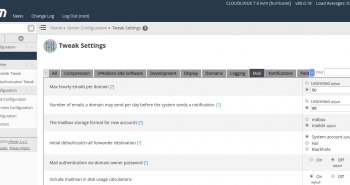
Click on the "Tweak Settings" link under "Server Setup". Within the "Mail" section is a check box with the heading:"Default...

Click on the "Tweak Settings" link under "Server Setup". Within the "Notifications" section is a check box with the heading:"Email...

Click on the "Tweak Settings" link under "Server Setup". Within the "Mail" section is a text box with the heading:"Number...
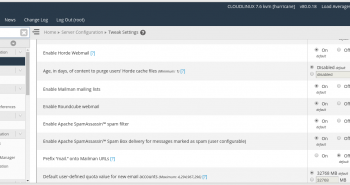
Click on the "Tweak Settings" link under "Server Setup". Within the "Mail" section is a check box with the heading:"SpamAssassin"Tick...